

Picture this: you’re sitting cross-legged on a sunlit balcony, finalizing a high-res photo edit for a client. Instinctively, you reach out to pinch-zoom and rotate the image, but your fingers just tap against cold, unresponsive glass. You sigh, hunting for your trackpad to make the exact same motion. Sound familiar?
For years, we’ve accepted this awkward dance. We juggle a clunky mouse, a separate tablet for quick sketches, and a heavy laptop for heavy lifting, constantly switching contexts just to get basic tasks done. Apple famously resisted this for over a decade, insisting that traditional input methods were king. But the rumor mill is spinning fast. The long-awaited Apple touchscreen MacBook (reportedly dubbed the MacBook Ultra) is slated to debut around October 27. After years of watching Windows 2-in-1s iterate, I’m finally leaning in. This isn’t just Apple catching up; it’s a potential masterclass in how touch should actually work on a pro machine. Let’s break down why this might be the exact workflow upgrade you didn’t know you needed.
The Adaptive Interface: Where macOS Finally Meets Your Fingertips
The biggest hesitation about touchscreen laptops has always been the clunky UI. Early attempts felt like shoving a tablet OS onto a desktop, leaving buttons too small and menus frustratingly nested. Apple, however, is rumored to be taking a radically smarter approach. Instead of a blunt touch overlay, reports highlight a brilliant Adaptive Interface. Imagine tapping a dedicated on-screen button, and a contextual, finger-friendly menu gracefully expands exactly where your hand is hovering. Menu bars and key controls subtly enlarge for quick, confident taps, then seamlessly shrink back to precision mode the moment your hands return to the keyboard. It’s not about replacing your beloved trackpad; it’s about elevating it. When your Mac intelligently anticipates whether you’re pointing, clicking, or tapping, the friction completely disappears.
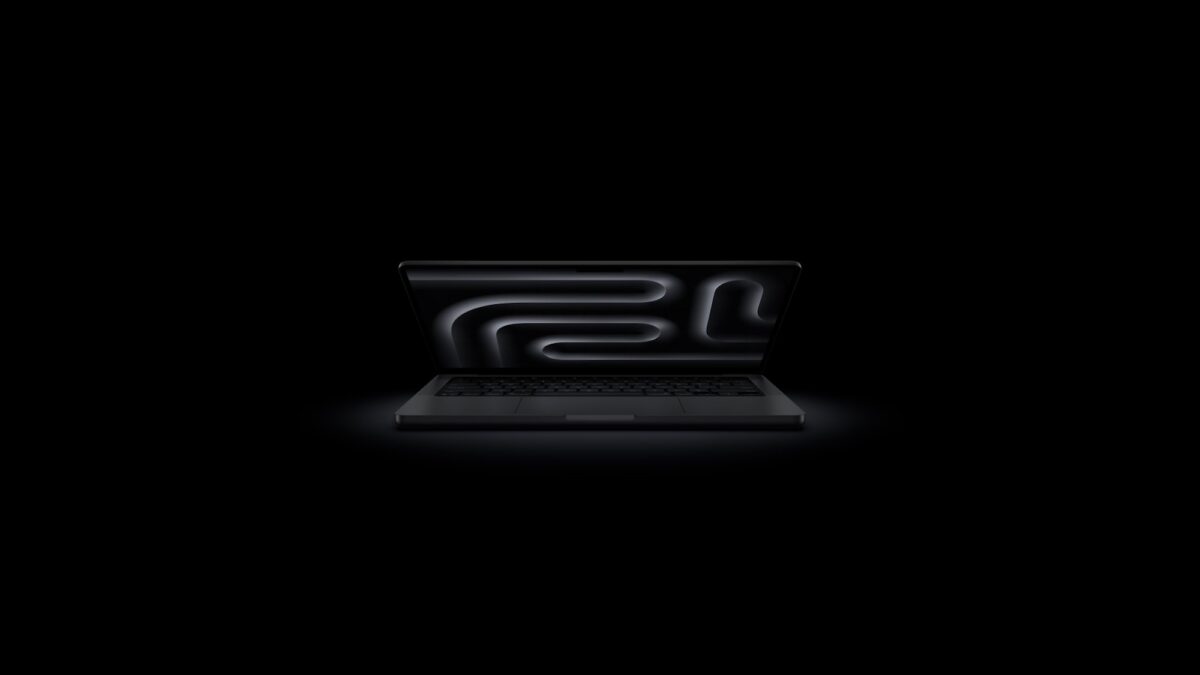
Here’s what this smart integration brings to your daily grind:
- Effortless Contextual Menus: Access your most-used tools instantly without navigating endless dropdowns or memorizing keyboard shortcuts.
- Dynamic UI Scaling: Elements automatically adjust for finger accuracy during touch mode, then revert to crisp precision for mouse and trackpad work.
- Buttery Gesture Flow: Swipe through timelines, zoom into complex spreadsheets, and drag-and-drop assets with the same intuitive responsiveness you love on your iPad, but with desktop OS power.
M5 Pro Power: Precision Touch Meets Uncompromising Performance
Let’s address the elephant in the room: historically, touchscreens meant compromised thermals, heavy hinges, and drained batteries. Not here. The MacBook Ultra is expected to pack Apple’s next-generation M5 Pro and M5 Max chips. This means you’re getting desktop-class, pro-grade performance in a chassis that finally understands human touch.
Whether you’re scrubbing through 8K video timelines, tweaking node-based color grading by dragging sliders directly on the screen, or compiling complex code while keeping an eye on live data visualizations, the M5 Pro handles it all without breaking a sweat. The display isn’t just responsive; it’s engineered for creators who demand pixel-perfect accuracy and zero lag. You get the tactile joy of direct manipulation, backed by the uncompromising muscle of a true MacBook Pro. It’s the sweet spot where creative freedom meets professional reliability.
Ergonomics & Portability: Built for Real Life, Not Just Desks
What would actually win me over? A machine that doesn’t feel like a compromise. I’m eagerly waiting for the final screen ergonomics—specifically, how comfortable it is to hold and interact with on the go, and its overall footprint. If Apple nails the weight distribution and keeps the chassis sleek, this could easily replace the need for a separate iPad for light mobile tasks. The promise here is a laptop that lives up to Apple’s legendary design standards: thin enough to slip into a tote, sturdy enough for daily commutes, and perfectly balanced for those moments you do want to reach out and touch your work. If it’s easy to carry and thoughtfully priced, we’re looking at a golden standard for modern hybrid work.
Why You’ll Finally Ditch the Two-Device Routine
We’ve all been there: MacBook open on the desk for heavy lifting, iPad resting on the side for quick annotations, signature approvals, or sketching. It’s a lot to carry, charge, sync, and mentally switch between. A truly integrated touchscreen MacBook bridges that gap effortlessly. Need to sign a PDF during a meeting? Tap. Want to quickly rotate a 3D model in your design software or pinch-zoom into a dense architectural blueprint? Do it naturally with your fingers. The MacBook Ultra isn’t trying to be an iPad; it’s giving you the intuitive best of both ecosystems in one sleek, unified chassis. It streamlines your desk, clears your bag, and lets your hands work the way they naturally want to.
If you’re a creative professional tired of context-switching, a remote worker craving a more fluid and intuitive interface, or simply an Apple ecosystem loyalist who wants a machine that keeps up with your natural instincts, the MacBook Ultra absolutely deserves your attention. Apple waited years not to lag behind the market, but to perfect the execution. When elite silicon, intelligent software adaptation, and natural touch converge, it stops being a gimmick and starts being essential. Stop wrestling with clunky peripherals and start working the way your brain actually thinks. Ready to touch the future of your workflow? The Mac you’ve been waiting for is finally here.