

Picture this: you’re replying to an urgent email on a crowded train, thumbs squeezed against a narrow glass edge, or trying to watch a tutorial while the app stubbornly crops the sides. If you’ve ever used a foldable, you know the routine. For years, these “innovative” devices tried so hard to mimic traditional slab smartphones that they forgot to actually be practical. Narrow cover screens, awkward split-screen layouts, and typing on what feels more like a TV remote than a modern device. But what if your foldable finally stopped apologizing for being different? Enter the Galaxy Z Fold 8 Wide, and it’s ready to change how you work.
Ditching the Smartphone Clone Mentality
Samsung’s early foldable generations played it safe. They chased familiar, tall proportions, hoping the hinge would quietly blend into your daily routine. The compromise? Cramped typing, confused app scaling, and an inner display that often felt more like a novelty than a tool. The Galaxy Z Fold 8 Wide flips that script. At 123.9 x 81.9 mm when folded, it sports a noticeably wider, squarer profile that actually aligns with how we hold our phones. Open it up, and you’re greeted by a 7.6-inch inner display with a 4:3 aspect ratio—closer to a compact tablet than a stretched slab. It’s not trying to imitate your old smartphone. It’s finally asking, “What if a foldable was actually optimized for real life?”
Real-World Upgrades You’ll Actually Feel
Leaked dimensions, hands-on reports, and early case filings point to a hardware shift that’s refreshingly ergonomic. Weighing in at just 201g, it’s noticeably lighter than the Galaxy Z Fold 7, which means your pinky finally breathes during long commutes or travel days. But the true magic lives in how those new screen ratios translate to your daily workflow:
- Effortless Typing & Navigation: The wider cover display gives your thumbs the natural breathing room they deserve. No more accidental backspaces, fat-fingering keys, or awkward hovering. It reads, replies, and scrolls like a premium standalone phone.
- True Split-Screen Multitasking: Side-by-side apps aren’t squished into unusable vertical strips anymore. Picture a full calendar view next to your inbox, a live reference doc beside your browser, or maps running cleanly beside navigation. The layout finally matches human ergonomics.
- Media, Reading & Creation That Just Fits: The 4:3 inner aspect ratio eliminates awkward cropping and letterboxing. E-books display more text lines, spreadsheets need less horizontal panning, and video calls frame faces naturally. It’s the kind of screen real estate that quietly boosts your daily efficiency. Catch a closer look at the early design and hands-on impressions here: Galaxy Z Fold 8 Wide – Hands-On with Case Model
A New Category, Not Just a Spec Bump
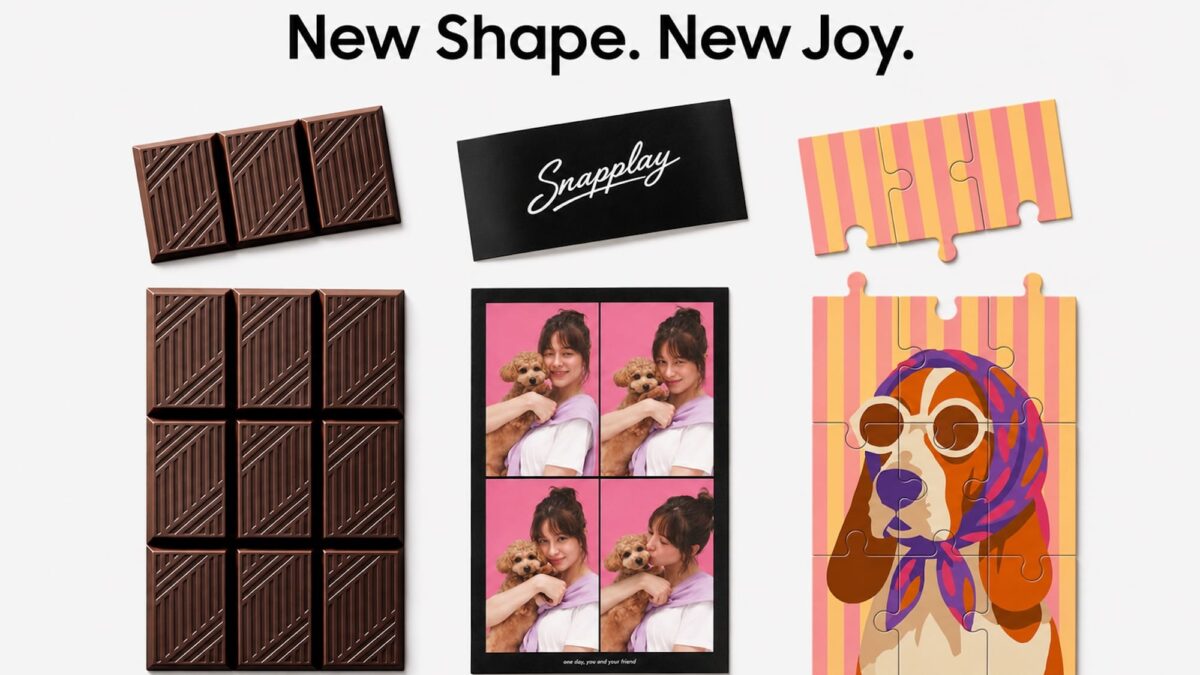
Industry whispers confirm something refreshing: the Z Fold 8 Wide and the upcoming Ultra aren’t just iterative spec upgrades. They’re targeting entirely different user workflows. While the broader smartphone market competes on AI prompts and camera megapixels, Samsung is doubling down on what makes foldables special—the physical transformation, the spatial potential, and the unapologetic departure from slab-phone norms. Early teaser campaigns featuring broken chocolate bars and paper-thin unfolding visuals might seem like clever marketing, but they’re actually hinting at a tactile, structural shift we’ve been waiting years to see. The hardware is no longer fighting the concept; it’s perfecting it.
The Galaxy Z Fold 8 Wide isn’t chasing a “most familiar” award. It’s engineered for remote professionals, digital creators, heavy multitaskers, and anyone who’s tired of cramming tablet-level ambitions into smartphone-sized compromises. If Samsung’s upcoming London unveiling delivers on these refined proportions, we’re officially watching foldables step out of the experimental phase and into their own mature, indispensable category. Stop settling for form factors that force you to adapt. Pick up a device that actually adapts to your workflow. Once your thumbs and your screen real estate sync up, there’s simply no going back.