

We've all been there. You're on a tight deadline, your timeline is packed with 4K multicam clips, and suddenly your computer starts stuttering. Maybe it's the dreaded spinning wheel of death, or maybe the fan sounds like a jet engine taking off right in the middle of a client call. Choosing between a Mac and a Windows PC for video editing isn't just about reading spec sheets; it's about protecting your creative flow and your sanity.
In 2026, the debate is no longer about raw power alone—it's about workflow optimization. Whether you're editing emotional wedding films or scaling a fast-paced YouTube channel, your choice comes down to how you work, what software you live in, and how much you value peace of mind. Let's break down the real winner for creators like you.
Rendering Speed & The Software Ecosystem
The honest truth? The speed of your exports depends entirely on your software choice. If you're deep in the Final Cut Pro ecosystem, the Mac experience is almost ridiculously smooth. Apple's M5 series chips pack dedicated media engines that accelerate ProRes encoding and decoding at a hardware level.
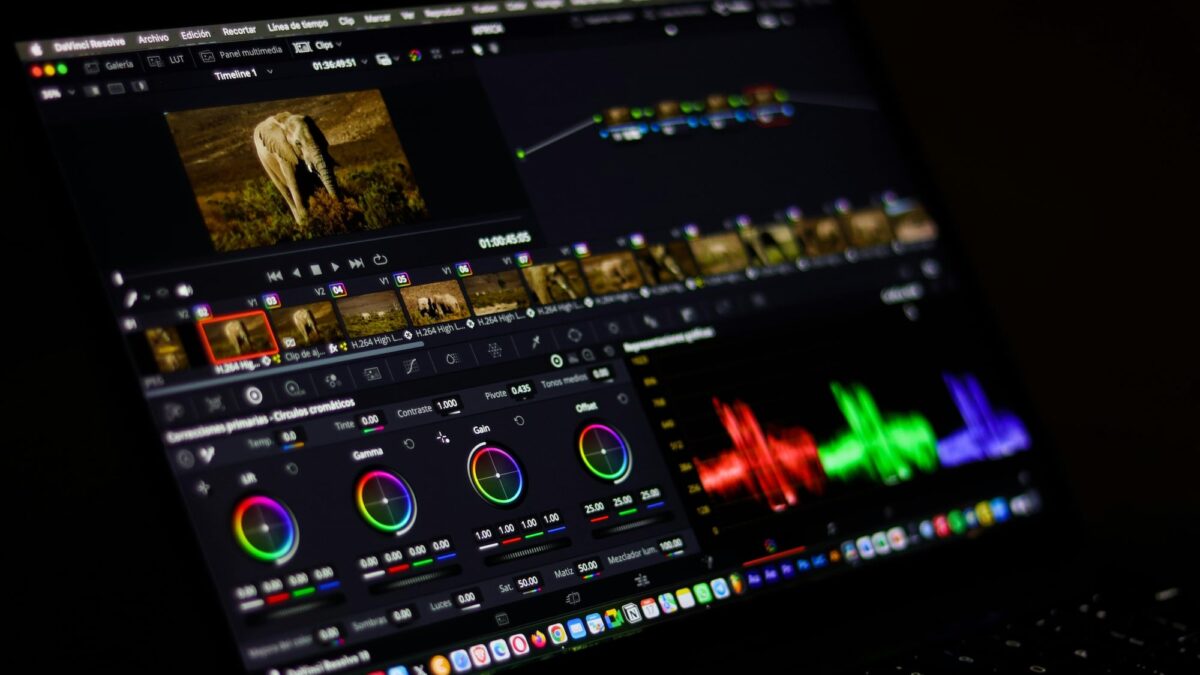
Real-world benchmarks show Final Cut rendering complex timelines incredibly fast—handling over 40 simultaneous 4K streams while sipping only a fraction of RAM. But if you "live" in DaVinci Resolve for heavy color grading and AI effects, the tables turn. Windows machines with NVIDIA RTX 50-series GPUs and CUDA acceleration dominate GPU-intensive tasks. For colorists and VFX artists relying on heavy AI tools, a well-spec'd PC can be significantly faster in specific workloads, offering raw horsepower that Mac silicon struggles to match.
Core Benefits:
- Mac wins if you use Final Cut Pro and want plug-and-play speed with zero driver headaches. It handles ProRes like a dream and keeps playback buttery smooth.
- Windows wins if you need NVIDIA CUDA power for DaVinci Resolve, AI-heavy features, and broadcast environments where collaboration across different OS is key.
Battery Life & Portability: The "On-The-Go" Reality
If you ever edit outside your home studio, specs mean nothing without battery life. This is where MacBooks quietly dominate.
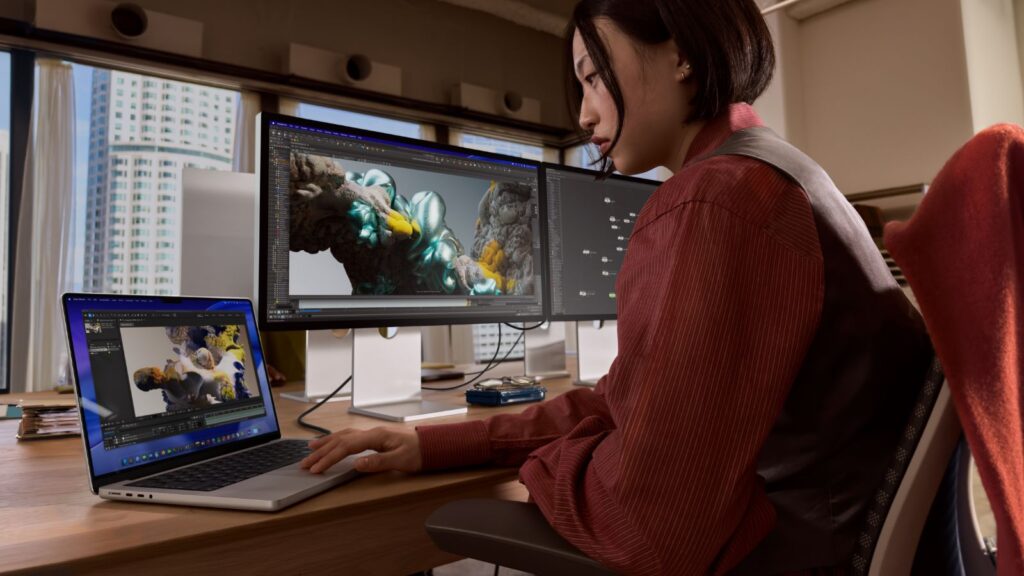
Because Apple's silicon is so efficient, performance doesn't drop when you unplug. You can realistically edit for 6–8 hours on the new M5 Pro and Max models without the fans screaming or playback dropping frames. Meanwhile, most Windows laptops throttle performance significantly to survive a 2-to-4 hour charge, and they often get loud enough to drown out the ambient noise of a coffee shop or a busy set.
For the creator working from various locations, the consistency is a game-changer. It feels less like lugging around a computer and more like carrying a pro-grade tool that is always ready to create, no matter where inspiration strikes.

Upgradability & Long-Term Value
This is where Windows hits back with force. With a Windows desktop, you aren't locked into what you bought on day one. You can start with a capable GPU today and upgrade to a monster card in two years when your workflow demands it. Need more RAM for those massive 8K projects? It's cheap and easy to install. Need more storage? Just swap it out.
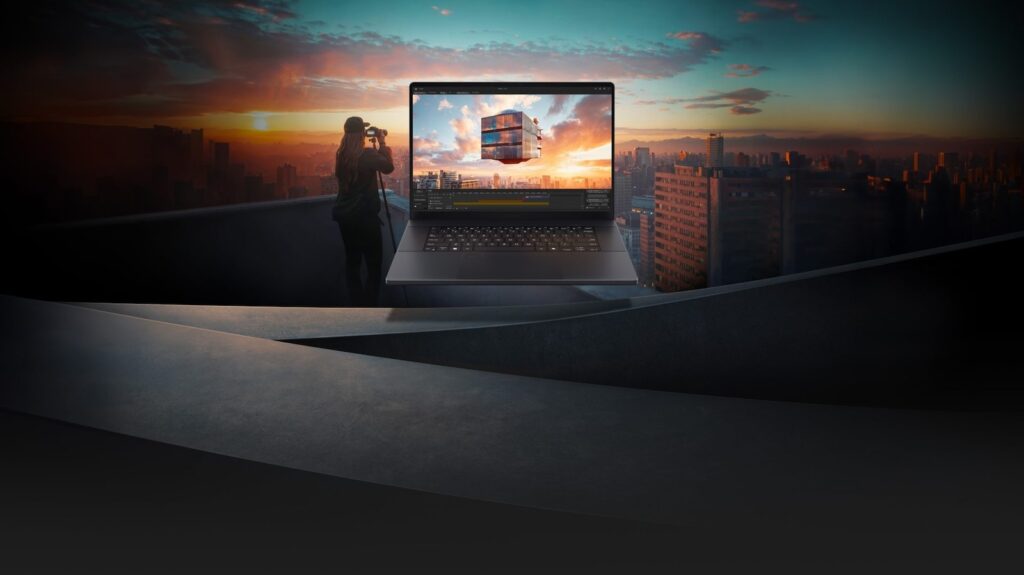
Macs offer a pristine, polished experience, but what you buy is what you keep. Apple's upgrade pricing can be a shock, and the hardware is soldered shut. However, for many creators, the time saved on system maintenance and the strong resale value of Apple gear help soften the blow. For those who want a Windows machine that bridges the gap between portability and raw studio power, machines like the ASUS ProArt P16 offer serious performance for creators who can't compromise on color accuracy or GPU muscle.
The Final Verdict: Know Your Workflow You don't need to win the internet debate; you just need to finish your project.
- Go Mac if you are a solo creator, YouTuber, or editor who values battery life, seamless ProRes performance, and a system that "just works" out of the box. If your goal is efficient editing without the technical fuss, it's the superior choice for your lifestyle.
- Go Windows if you are a power user, colorist, or studio professional needing maximum raw power per dollar. If you work in collaborative environments or need the flexibility to upgrade your machine over time, a Windows rig is your best friend.
Stop overthinking the battle and look at your daily needs. If you want a frictionless creative flow, pick Mac. If you want raw control and hardware flexibility, pick Windows. Choose the tool that fuels your ambition, hit export, and get back to the work you love.