

You know the feeling perfectly well. You open Finder to grab a quick document, only to spend a few extra seconds squinting at the translucent sidebar. The beautiful but distracting Liquid Glass design introduced in macOS Tahoe quickly turned everyday navigation into a visual puzzle. For many of us using standard LCD MacBooks, the excessive transparency and floating shadows felt less like a premium upgrade and more like a daily hurdle. It’s no wonder so many of us immediately jumped into Accessibility settings just to “Reduce Transparency” and read our screens properly. Thankfully, the latest leaks for macOS 27 confirm that Apple is finally addressing this exact pain point.
A Subtle Redesign That Finally Gets Liquid Glass Right
Apple isn’t scrapping Liquid Glass. Instead, macOS 27 leans into it, but this time with the maturity and polish it deserved from day one. According to Bloomberg’s Mark Gurman, the upcoming update targets the rough edges of Tahoe’s interface, fixing what was essentially a design shipped a bit too early for the hardware. Apple is dialing back the overly aggressive glassy overlays and standardizing inconsistent corner radii across app windows.
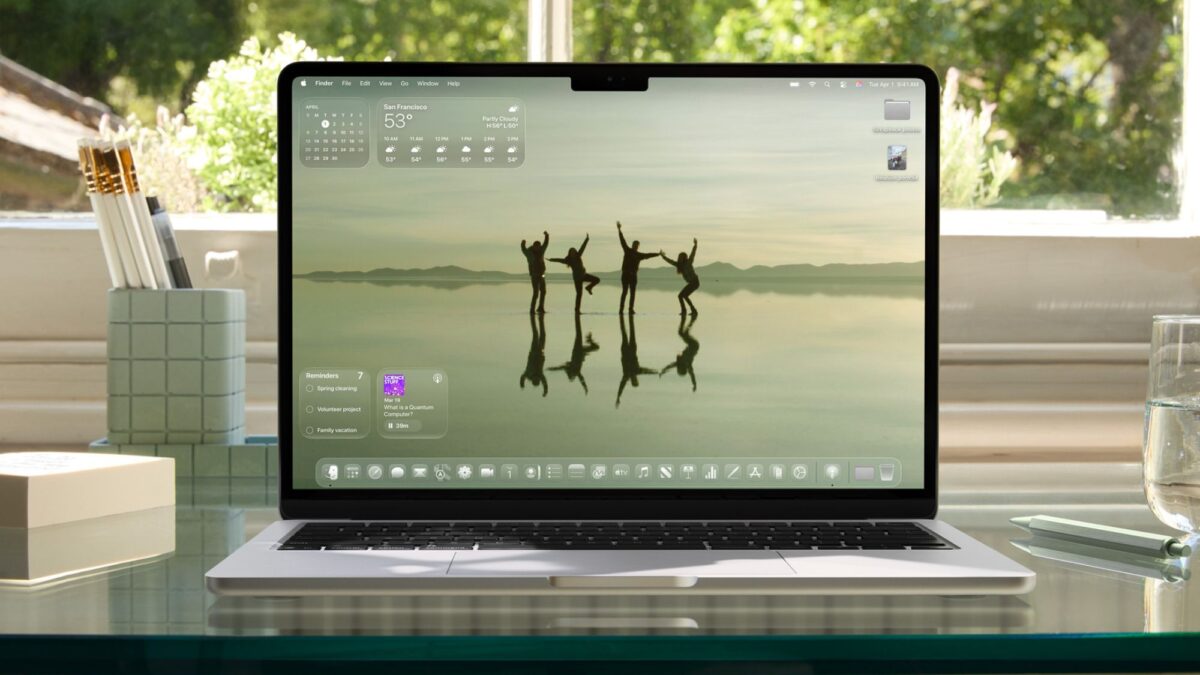
The real upgrade lies in how it handles text-heavy interfaces. By intelligently refining the shadow depth and transparency levels, macOS 27 ensures your Finder, Control Center, and dense sidebars actually pop instead of blurring into the background. It’s a brilliant software-level fix that makes Liquid Glass finally shine on the LCD panels most of us are using today. You won't ever need to compromise aesthetics for legibility again; the system just looks beautifully crisp out of the box.
Safari Gets a Smarter Brain (Without the Hassle)
Let’s talk about your browser tab mess. We’ve all been there: dozens of tabs open for a single project, scattered across multiple window frames. Safari in macOS 27 is introducing an automatic tab grouping feature to elegantly clean up the chaos. Unlike competitors who force this on users (and face major backlash for it), Apple’s approach is refreshingly considerate—it is entirely opt-in.
When you choose to enable "Organize Tabs" in your new tab switcher, the system quietly clusters your browsing sessions by topic. Planning a weekend getaway? Deep-diving into a tech review? Your tabs will naturally sort themselves into neat, navigable clusters. It is the kind of subtle, background AI that saves you massive cognitive load without ever getting in your way or shuffling things without permission.
Why This Update Matters More Than You Think
While the visual polish is what’s grabbing the headlines, the true value of macOS 27 lies in making your daily workflow completely frictionless. Apple is packing this update with highly anticipated bug fixes, tangible battery life enhancements, and a massive overhaul of Siri. The assistant is finally graduating from a mere dropdown to its own standalone app, delivering a much more proactive Apple Intelligence experience that runs seamlessly across your entire system.
Here is what you can expect to feel the moment you upgrade to macOS 27:
- Crystal-Clear Readability: No more eye strain when navigating dense Finder sidebars or Control Center panels.
- Consistent Visual Language: Uniform corner radii and perfectly balanced shadows across all native system apps.
- Hassle-Focused AI: Automatic Safari tab grouping that deeply respects your workflow and permission.
- Next-Gen Siri Experience: A dedicated, system-wide assistant that intuitively anticipates your needs.
macOS 27 isn't a flashy rebrand; it's the quiet, polished refinement Mac users have been silently waiting for. It is the perfect update for creatives, developers, and everyday professionals who want a stunning interface that never compromises on day-to-day usability. If you’ve been holding back on updating because Tahoe felt just a little too unfinished, these leaks promise exactly the breathing room your workflow needs. Keep your eyes peeled for Apple’s full reveal at WWDC on June 8—it might just be the moment your Mac finally feels like itself again.