

We’ve all been there. It’s Friday night, you fire up a visually dense open-world title, craving every sharp shadow and cinematic detail at 1440p. By Sunday afternoon, the lobby loads for Valorant or Call of Duty, and suddenly those extra pixels mean nothing next to a buttery-smooth, competitive-ready frame rate. For years, multi-genre gamers have either settled for one compromise or constantly fiddled with Windows display settings, alt-tabbing out of immersive sessions just to change resolutions. The real question isn’t whether you need a better screen—it’s how fast it can adapt to your weekly gaming rhythm.
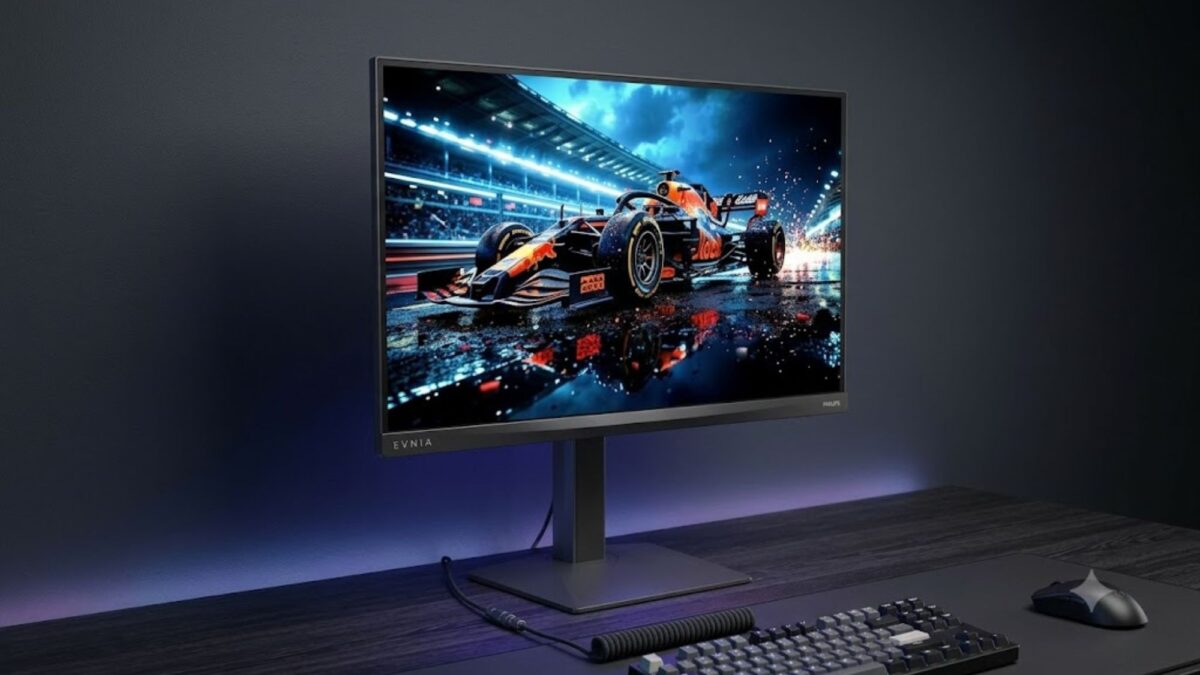
Enter Philips Evnia’s new M4 lineup. These 27-inch Fast IPS monitors ditch the traditional "pick one and stick with it" mindset, offering a seamless triple-mode setup that finally bridges the gap between visual fidelity and raw esports speed.
Three Presets, Zero Windows Hassle
The standout feature of this high refresh rate gaming monitor isn’t just the spec sheet—it’s how you actually use it. Instead of diving into your PC’s display menu or hunting for third-party tweaking software, the M4 series lets you toggle between three complete resolution-and-refresh-rate profiles directly from the on-screen display. You jump from immersive storytelling to tournament-ready responsiveness in seconds, preserving your flow state and keeping your desktop clean. For players who bounce between single-player campaigns and ranked lobbies, that frictionless switching is exactly what a triple-mode gaming monitor should deliver.
275Hz for Cinematic Nights, 540Hz for Esports Domination
Philips engineered the M4 panels to cover the entire gaming spectrum without forcing you to downgrade your desk setup:
- 2560×1440 @ 275Hz (QHD): The everyday sweet spot. Ideal for AAA narratives and creative workflows, it balances pixel density with motion clarity while supporting HDR for richer color grading.
- 1920×1080 @ 360Hz (Full HD): The competitive standard. This downscale preset targets fast-paced tactical shooters. While non-integer scaling historically softens IPS panels, the 27-inch footprint keeps hit-tracking crisp and reliable.
- 1280×720 @ 540Hz (HD): The reaction-time king. Built for pure input speed. It’s intense for most, but if your weekends revolve around millisecond peeks and tight gunfights, 540Hz strips away every frame delay.
Desk Upgrades That Actually Fit Your Routine
Beyond raw speed, the M4 monitors tackle real-world setup fatigue. Both models feature a 25% haze anti-glare coating, 350 nits of peak brightness, and Flicker-Free tech to keep your eyes comfortable during marathon streams. The upgraded 27M4N5500PT steps further with a SmartErgoBase stand, offering 90-degree pivot, swivel, and precise height adjustments. It’s a quiet but vital upgrade for dual-monitor workspaces or desks that transition from productivity to play.
Philips also integrates built-in gaming overlays like Smart Crosshair, Stark ShadowBoost, and Smart MBR Sync. While "AI-enhanced" labels often just repackage familiar contrast tweaks, having these tools natively supported means you skip third-party aim-assist software entirely, keeping your rig lean and your latency consistent.
The Bottom Line
The triple-mode concept isn’t about chasing marketing numbers; it’s about eliminating the compromise between cinematic immersion and competitive responsiveness. If your gaming library naturally splits between story-driven epics and high-stakes shooters, this fast IPS panel removes the friction from your setup. It won’t settle every scaling debate, but for players who demand one display that genuinely adapts to how they actually play, the M4 series just became the most versatile anchor on your desk. Ready to stop juggling settings and finally let your hardware match your playstyle? Your next upgrade is just one quick switch away.